Does a photo booth need Wi-Fi? Sometimes it needs internet for part of the experience, but the answer depends on the equipment and the features you book. Taking a picture, producing a print and sending a digital copy are separate tasks. Confirm all three instead of treating “the booth works” as a promise that every guest receives a message immediately.
This guide is for hosts coordinating a wedding, company event or private celebration with a venue and booth provider. It is a planning checklist, not a claim that every RMJ booth has the same offline features or includes a hotspot.
Capture, printing and sharing are different jobs
A useful software example comes from Snappic’s internet-access guidance: after setup and resources are downloaded, its software can capture offline and queue sharing until reconnection. Its printing setup uses a local network, which is different from an internet connection. That example shows why a simple yes or no can be misleading; it does not establish which software or configuration your rental uses.
Ask the provider to describe the actual experience during a connection loss: can sessions continue, are files stored, can the selected printer still operate, and how are pending deliveries handled? Get the answer for your chosen booth and package before deciding that a venue without guest Wi-Fi will be suitable.
What should you confirm about digital delivery?
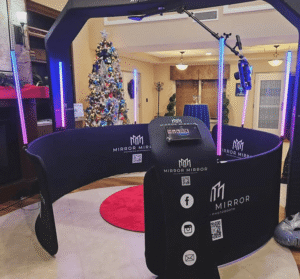
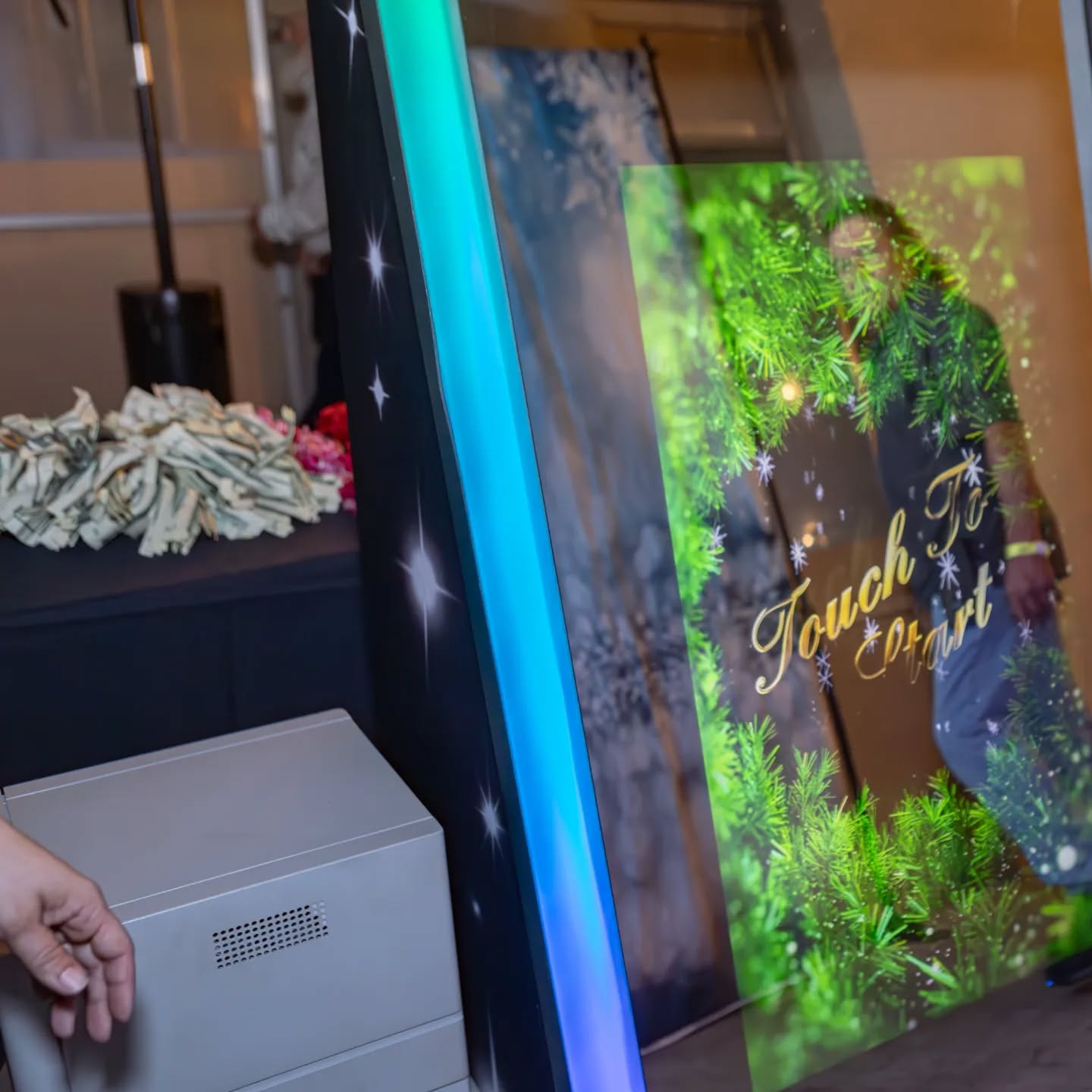
RMJ’s Mirror Photo Booth service lists text and email among its standard features. When discussing that experience, ask what connection is needed for delivery at your venue and what guests should expect if service is interrupted. The feature list alone does not establish a delivery deadline or a particular backup method.
Start with your goal. For a wedding, you may mainly want guests to enjoy the session and receive a keepsake afterward. For a company activation, receiving a branded image before leaving the event may be a more important part of the plan. Explain that priority before booking so the team can confirm whether the proposed arrangement fits.
Also ask who follows up if a guest enters the wrong number or email address, whether there is an agreed gallery or retrieval option, and how long any available files remain accessible. These are questions to settle with the provider; do not promise a public gallery or unlimited access on your event invitations unless it has been confirmed.
Questions to send your venue before the event
Request the connection details for the exact room and planned booth position. “We have Wi-Fi” is a starting point, not a complete handoff. Send the venue this short checklist and share its answers with the booth team:
Access: Is there a vendor network, and who supplies its access instructions on event day?
Location: Can the provider test from the agreed booth position before guests arrive?
Restrictions: Does access require a browser sign-in, expire during the event or need approval from the venue’s technical contact?
Support: Who can help if the connection is unavailable during setup?
Backup: Are there venue rules affecting a provider-supplied connection, and what alternative has the booth team actually agreed to use?
Keep credentials out of public schedules and guest-facing signs. Have the venue share the appropriate access information directly with the people who need it. If you are still comparing rentals, combine this connection checklist with our questions to ask before booking a photo booth.
Agree on a backup and a guest explanation
Avoid assigning a backup simply because someone will have a phone at the party. Ask who is responsible for the connection and whether a hotspot or another method is appropriate for the selected booth. Confirm any extra arrangements or costs before the event rather than assuming they are included.
If delayed delivery is the agreed fallback, decide what the team should tell guests. A clear message such as “Please confirm your contact details; the team will explain the delivery plan” is better than the host guessing a time. Use a specific turnaround only when the provider has committed to it.
For a corporate event, include the person responsible for the activation in that discussion. If immediate sharing is essential, resolve the connection plan before approving the guest-facing wording. For a wedding, tell the coordinator who to contact so the couple does not become the technical help desk during the reception.
Does a photo booth need Wi-Fi if you only want prints?
Do not assume that selecting prints answers every connection question. Ask the provider about the complete workflow, including setup and the printer connection, and confirm that printing is part of the selected package. A local connection between devices and internet access are not interchangeable terms.
Before signing off, request one plain-language summary: what guests can do during normal operation, what changes if internet is unavailable, and who manages the next step. That written expectation is more useful than a blanket promise about Wi-Fi and helps everyone plan the same experience.