Close
Choosing a photo booth vs 360 video booth starts with one question: what would you like guests to take away? A photo booth captures still pictures, with print and digital options depending on the package. A 360 video booth creates a short motion clip. Both can bring people together, but they ask guests to participate in different ways.
Instead of choosing from the equipment name alone, picture a typical guest using it. Will they want a family portrait, a keepsake for the fridge or a playful video to share on their phone? Use that answer, along with your venue and event schedule, to compare the options.
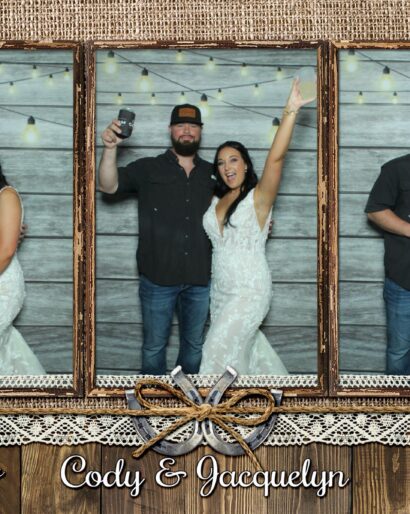
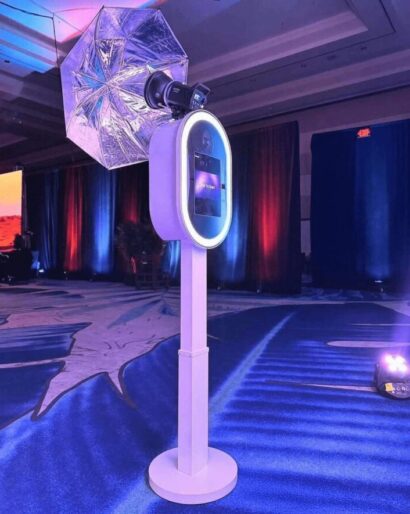
At a photo booth, guests arrange themselves in front of the camera and pose for still images. A mirror booth adds an interactive screen to that experience. Printed photos can become physical keepsakes, while digital files are convenient for saving and sharing. Confirm the exact print format, number of copies and delivery options in your chosen package.
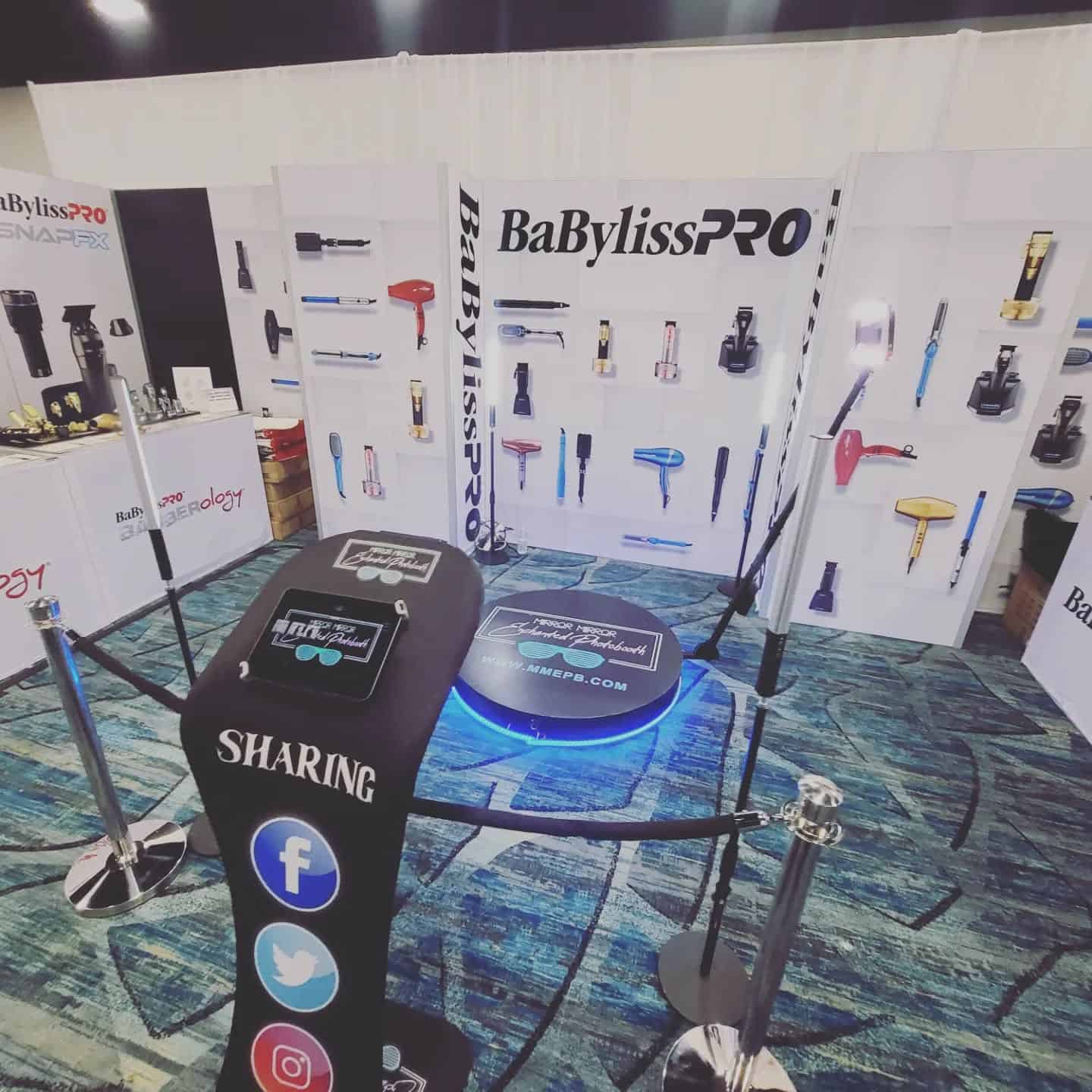
A 360 video booth records movement as a camera travels around a platform. The finished clip captures gestures, expressions and the atmosphere around the group. It is a digital video experience rather than a traditional printed portrait. The name “360 photo booth” is sometimes used in searches, so ask to see an actual sample output before booking.
For guests who enjoy putting pictures in an album or taking a print home, a still-photo experience may be the more natural choice. Consider the people who might pose together: a couple, a group of colleagues or relatives who rarely meet. A clear, well-framed photo can give them something easy to revisit.
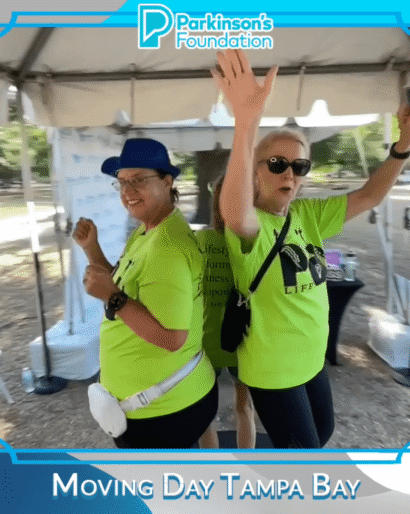
If your guests enjoy movement and short videos, a 360 booth offers a different kind of memory. A wave, a shared laugh or a simple coordinated gesture can be enough; nobody needs a rehearsed routine. Let people participate at their own comfort level rather than treating every turn as a performance.
RMJ’s interactive Mirror Photo Booth uses a full-length mirror and touch-screen interface. Its 360 Video Booth experience focuses on digital video and lists an attendant and sharing station among its features. Compare the current options with the team before deciding which fits your plans.
Think beyond age labels. Some grandparents love a lively video, while some younger guests prefer a quiet photo with a friend. Offer clear instructions, allow time to get comfortable and make it easy to decline. A visible example can explain an unfamiliar experience better than a long announcement.
If anyone in your group has mobility or access needs, discuss the actual equipment and approach route with the provider and venue. Ask about platform access, positioning and suitable alternatives. Do not assume that every booth or platform works equally well for every person.
A floor plan needs room for the experience, the attendant and people waiting their turn. A 360 camera arm also needs its operating area kept clear. A photo station needs suitable camera-to-guest distance and a background that fits the frame. Neither footprint should be guessed from a promotional photograph.
Send the provider your proposed location, nearby doors, dining tables and dance floor. Ask for the required footprint and power arrangements for the specific equipment. For outdoor Florida events, confirm weather protection and an agreed indoor alternative with the venue and provider.
Our 360 booth space and guest-flow guide explores those layout questions in more detail. Keep queues away from entrances and main walkways, whichever format you choose.
Avoid placing the busiest booth period directly against speeches, dinner service or another moment that needs everyone’s attention. Decide when guests will hear about it and how they will find it. A good location and a simple invitation can matter as much as the format.
Ask the provider how long a typical group session takes, including instructions and collecting or sharing the result. Use their answer to plan realistic operating hours for your guest count. Do not assume a fixed number of people per hour or promise that every guest will use the booth.
Both can make sense when they serve different purposes: still photos for keepsakes and video for a separate interactive moment. But two experiences also require enough space, time and budget. Before adding another station, consider whether one well-planned option would serve your guests better.
Request a clear quote showing operating hours, setup arrangements, outputs and any optional extras. Compare what is actually included rather than deciding on the lowest headline price. Our questions to ask before renting a photo booth can help you prepare that conversation.
Choose the still-photo route if your priority is a posed picture and an agreed print or digital keepsake. Choose the 360 route if your priority is a motion-based digital experience. Then check that the selected setup suits your venue, guests and schedule. The better choice is the one people can comfortably enjoy and remember afterward.
Tell RMJ about your venue, guest count and the memories you want to create. Check your event date or explore the photo booth and entertainment options to start planning an experience that fits.
Explore music, photo booths and entertainment for your celebration.